AI Art on Your PlayStation 4.
Offline.
GarlicDiffusion is a homebrew app for the PlayStation 4. It runs Stable Diffusion 1.5, SDXL, and Real-ESRGAN 1080p / 4K AI Upscaling directly on the console's own GPU — with no PC and no internet while it runs.
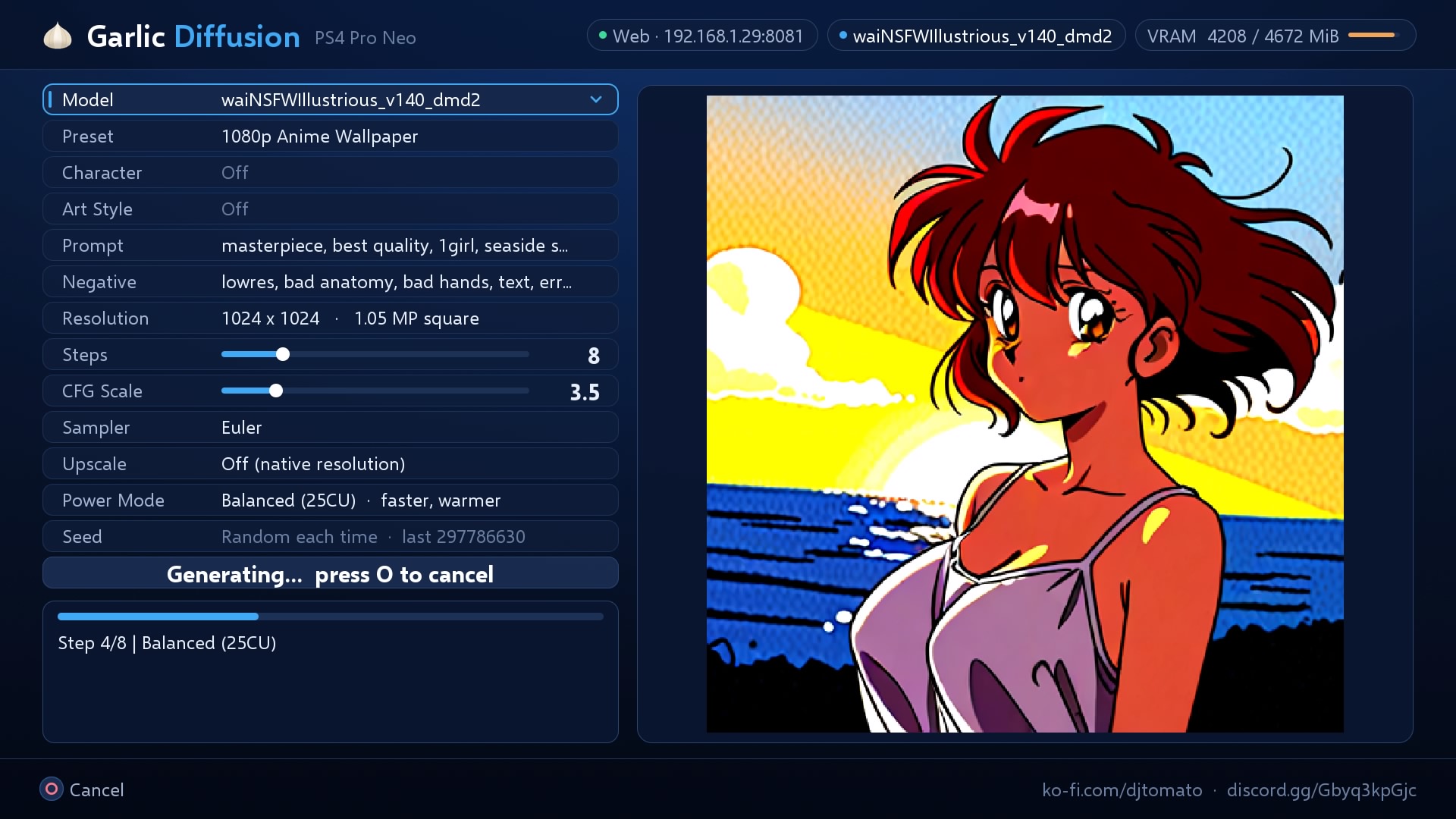
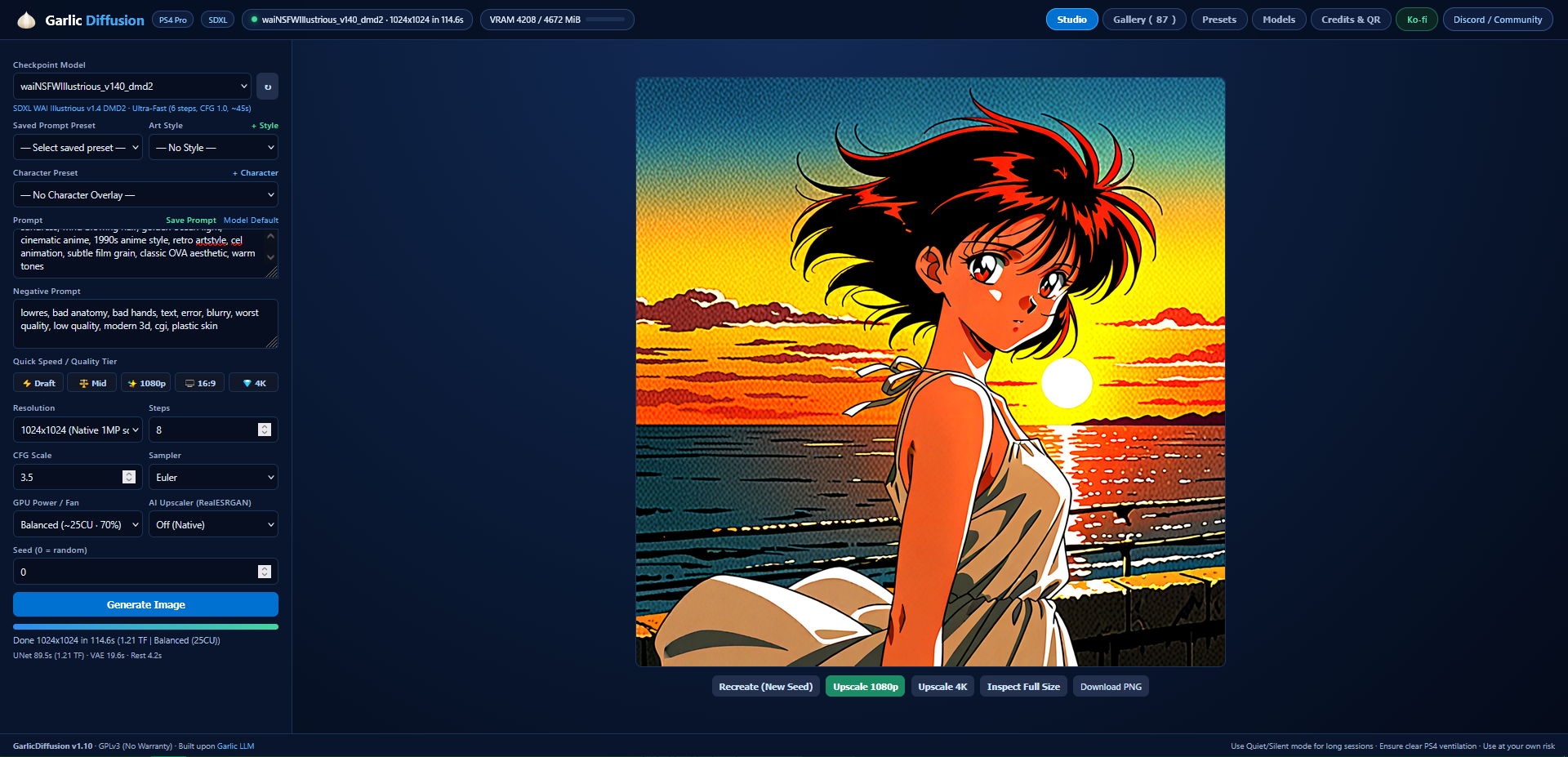
Use It on Your TV — or From Any Browser
Control everything with a DualShock 4 right on your PS4, or open http://<PS4_IP>:8081 from any PC, phone, or tablet on your Wi-Fi. Click either screenshot to inspect full size.
What It Does
Everything runs locally on your PlayStation 4. Nothing is sent to the cloud.
SD 1.5 & SDXL on Your PS4
Runs both Stable Diffusion 1.5 and SDXL directly on your PS4, PS4 Slim, or PS4 Pro GPU — no PC or cloud needed.
Built-In 1080p & 4K Upscaler
Includes an AI upscaler (Real-ESRGAN) right inside the app to sharpen images to crisp 1080p Full HD in seconds, or 4K on PS4 Pro.
80+ Ready-to-Use Presets
Comes with 20 prompt presets, 22 art styles (Ghibli, Shinkai, Manga, and more), and 38 anime & game characters ready to pick with your controller.
Quiet & Cool Power Modes
Choose between Silent, Quiet, Balanced, and Turbo modes so your PS4 stays cool and quiet — even during long sessions.
1-Click Model Downloads
Download ready-to-run models straight to your PS4 from Hugging Face — no USB or FTP needed. Want another model? Request it on Discord!
TV, Phone, PC & Discord
Use it on your TV with a DualShock 4, open the Web Studio from any phone or PC on your Wi-Fi, or connect it to a Discord bot like aimage.
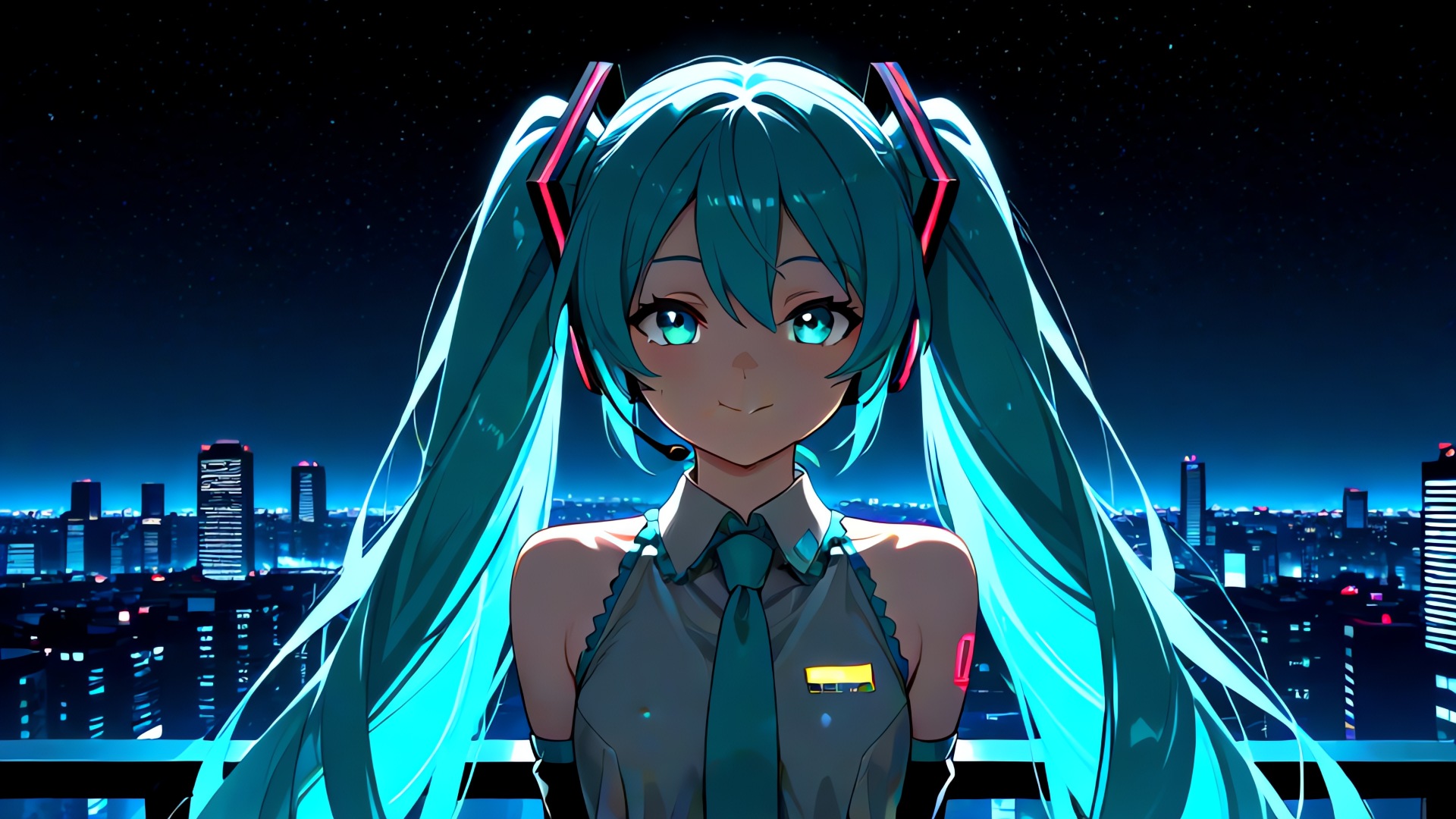
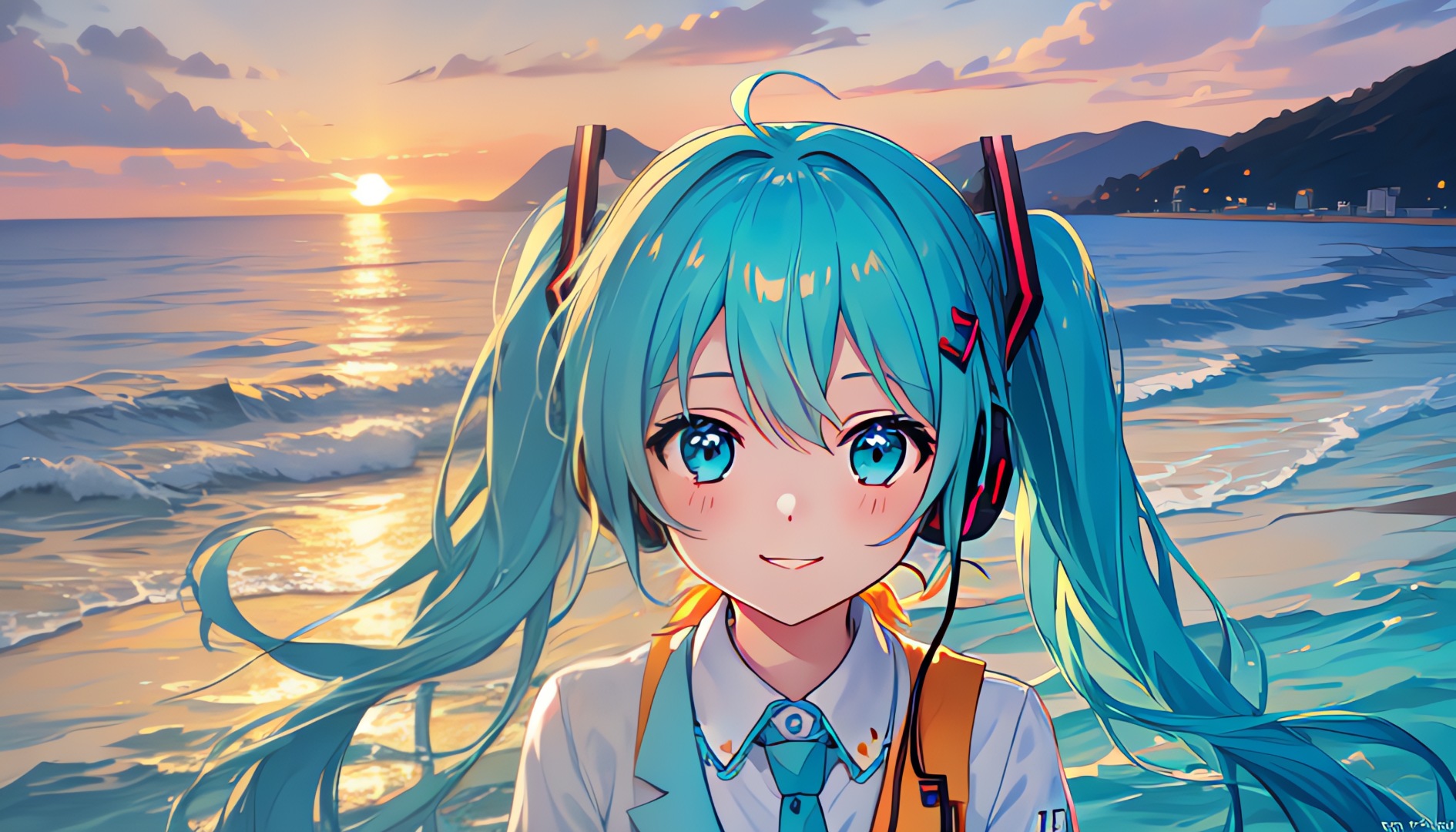
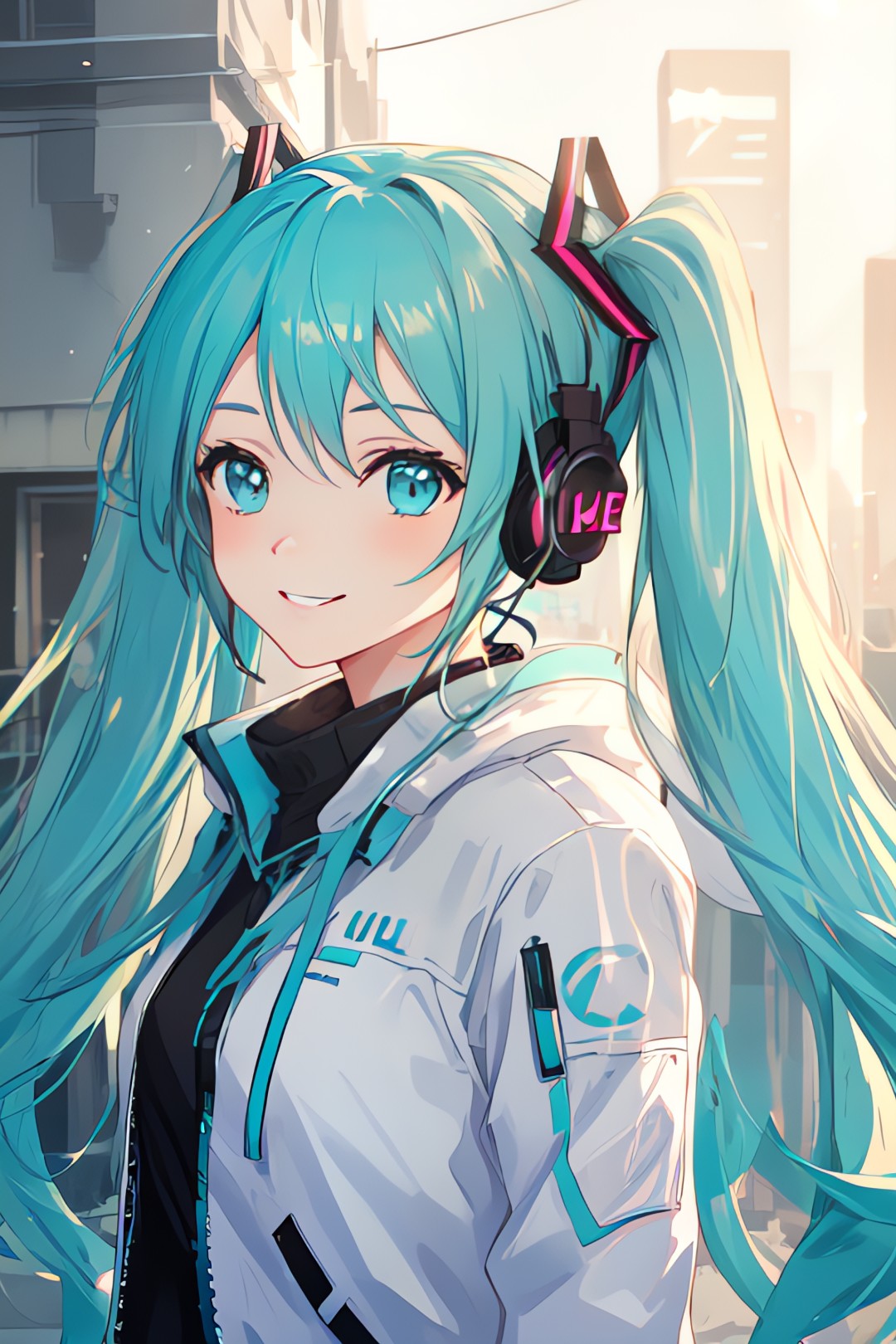
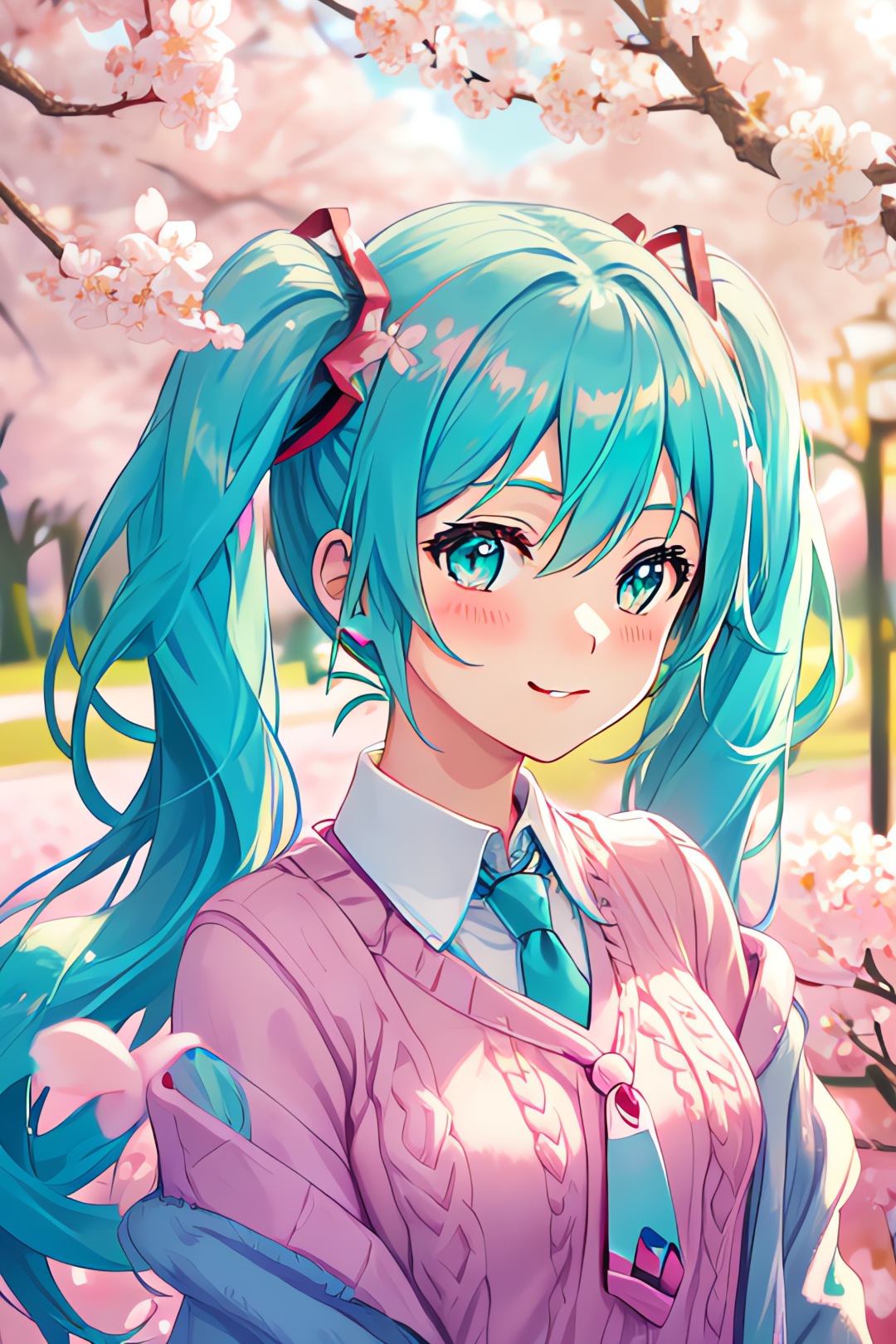
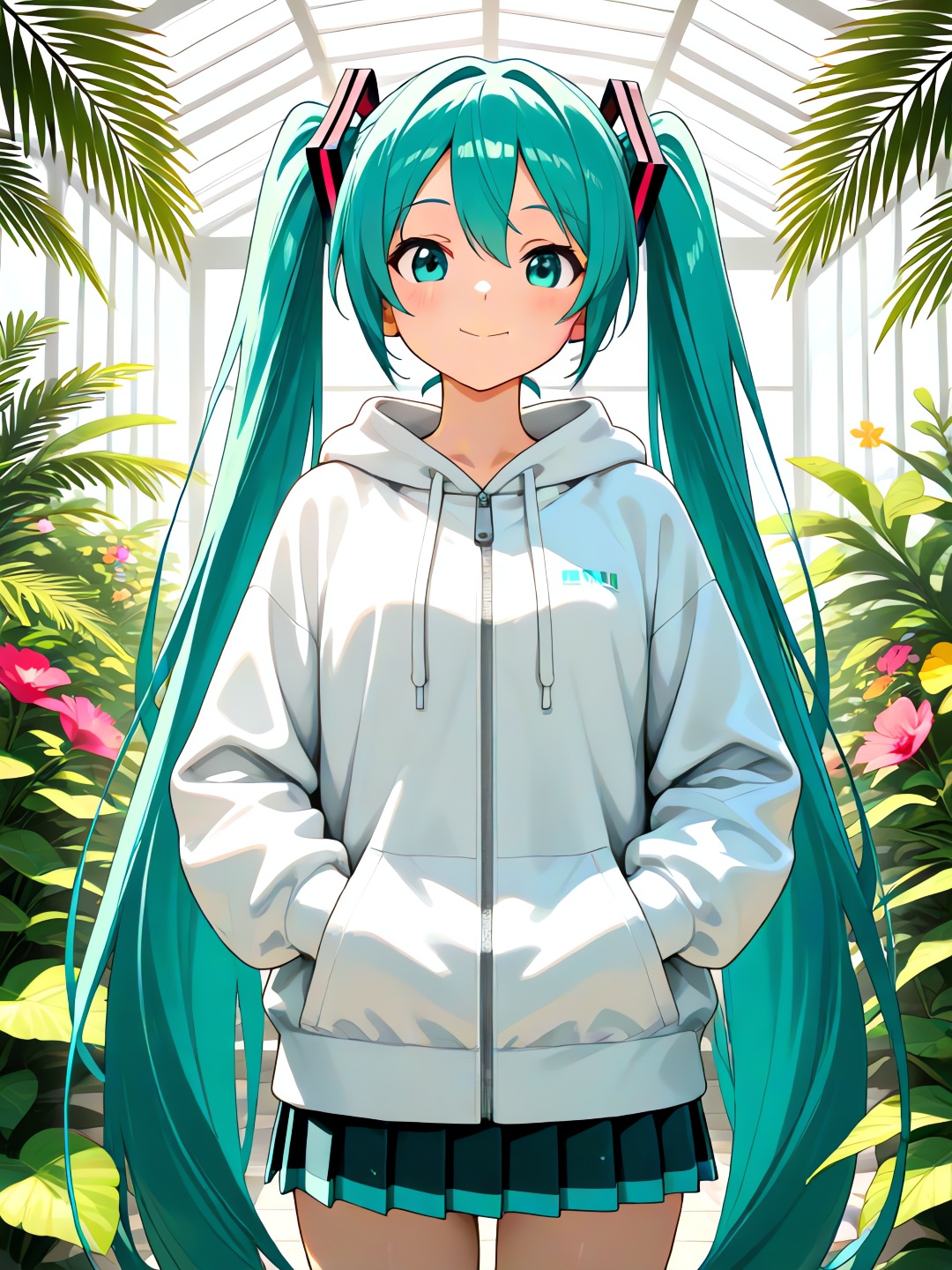
Real PS4 Pro Outputs — Hatsune Miku Showcase
Every image below was rendered and 1080p AI-upscaled 100% locally on a PS4 Pro GPU in Quiet (20 CU) or Silent (14 CU) mode. Click any image to inspect full resolution. Looking for landscapes? Visit the Dedicated Scenic Gallery →






How Long Does an Image Take?
Choose between an instant 17-second rough draft, a balanced portrait, or a razor-sharp 1080p / 16:9 / 4K showcase using the one-click tier pills in Studio. All times below are measured on PS4 Pro in Quiet Mode (20 CUs — calm fan).
Test prompt ideas & compositions in 17.3s (SD 1.5) or 17.7s (SDXL DMD2) before committing to 1080p.
Full 6–8 step native generation with crisp anatomy and lighting, without running the 4× AI upscaler.
Full portrait generation + bundled Real-ESRGAN Anime v3 GPU upscaling (adds just 8.2s on SD 1.5 / 14.7s on SDXL).
Exact 16:9 widescreen desktop & TV wallpapers in under a minute on Quiet 20CU (73.4s in whisper Silent 14CU).
Install in Three Steps
1. Install the 7.0 MiB PKG
Download Garlic-Diffusion.pkg from GitHub Releases and install it on any GoldHEN PS4, PS4 Slim, or PS4 Pro via GoldHEN → Package Installer.
2. Download a Model In-App
Launch GarlicDiffusion. Press [OPTIONS] on your controller (or select Model → Download / Manage with [X], or open http://<PS4_IP>:8081 → Models) and download MeinaMix_V11_8step or WAI_Illustrious_v17_dmd2.
3. Generate on TV, Phone, or Discord
Navigate settings with D-Pad / Stick, open dropdowns & sliders with [X] / cancel with [O], and press [Triangle] to generate — or use the LAN Web Studio and Discord API on port 8081.
Questions
Does it need internet or a PC while generating?
No. Once you download a model onto the console's drive, CLIP text encoding, UNet denoising, VAE decoding, and Real-ESRGAN 1080p/4K upscaling all run 100% offline on the PS4's own GPU.
Does it work on a Base PS4 / PS4 Slim, or only PS4 Pro?
It works on all three! On a Base PS4 or PS4 Slim (18 CUs, 4.0 GiB direct memory), GarlicDiffusion automatically enables a compact 325 MiB activation scratch layout and 24×24 tiled VAE decoding so both SD 1.5 (1.54 GiB, recommended for speed!) and full SDXL (4.04 GiB) fit cleanly.
Why is it called "GarlicDiffusion"?
On the PlayStation 4's unified GDDR5 memory architecture, Sony's internal codename for the high-bandwidth memory bus that the GPU reads directly is "Garlic" (paired with the CPU-coherent bus, "Onion"). The name also honors Leonardo Alegría's Garlic LLM, which pioneered bare-metal PM4 GPU AI on the PS4.
Can it overheat or harm my console?
GarlicDiffusion is an ordinary userland homebrew app and contains no exploit. However, diffusion inference drives sustained GPU load on 7–13 year old hardware. That is why GarlicDiffusion defaults to Quiet Mode (20 of 36 CUs on Pro · ~58% GPU power) with automatic inter-block thermal cooldown pauses. Always keep your console's vents unobstructed and use Quiet or Silent (14 CU) mode for long sessions.
Why did DreamShaper 8 look semi-realistic / 2.5D on anime characters?
Unlike pure 2D anime checkpoints (MeinaMix, Anything V5, WAI-Illustrious), DreamShaper 8 is trained on painterly 2.5D portraits. Selecting the built-in "2D Anime Fix (For DreamShaper)" Art Style in Studio adds cel-shading tags and suppresses 3D/photorealistic skin shading — while DreamShaper 8 shines naturally on fantasy landscapes.
Support, Community & Credits
Scan any QR code below (also built right into the PS4 TV UI via [Circle] and the Web Studio's Credits & QR tab) or click to open:
GarlicDiffusion is distributed under the GNU General Public License v3.0 (GPLv3) on an "AS IS" basis, WITHOUT WARRANTY OF ANY KIND. The authors, contributors, and upstream copyright holders assume zero liability for any console overheating, fan/APU wear, thermal shutdown, data loss, or hardware damage. PlayStation 4 consoles are aging hardware: always ensure unobstructed ventilation, clean dust/thermal paste on older units, and use Quiet (20 CU) or Silent (14 CU) mode for extended sessions.